
Duplicate an event for next year or next week
Quick answer
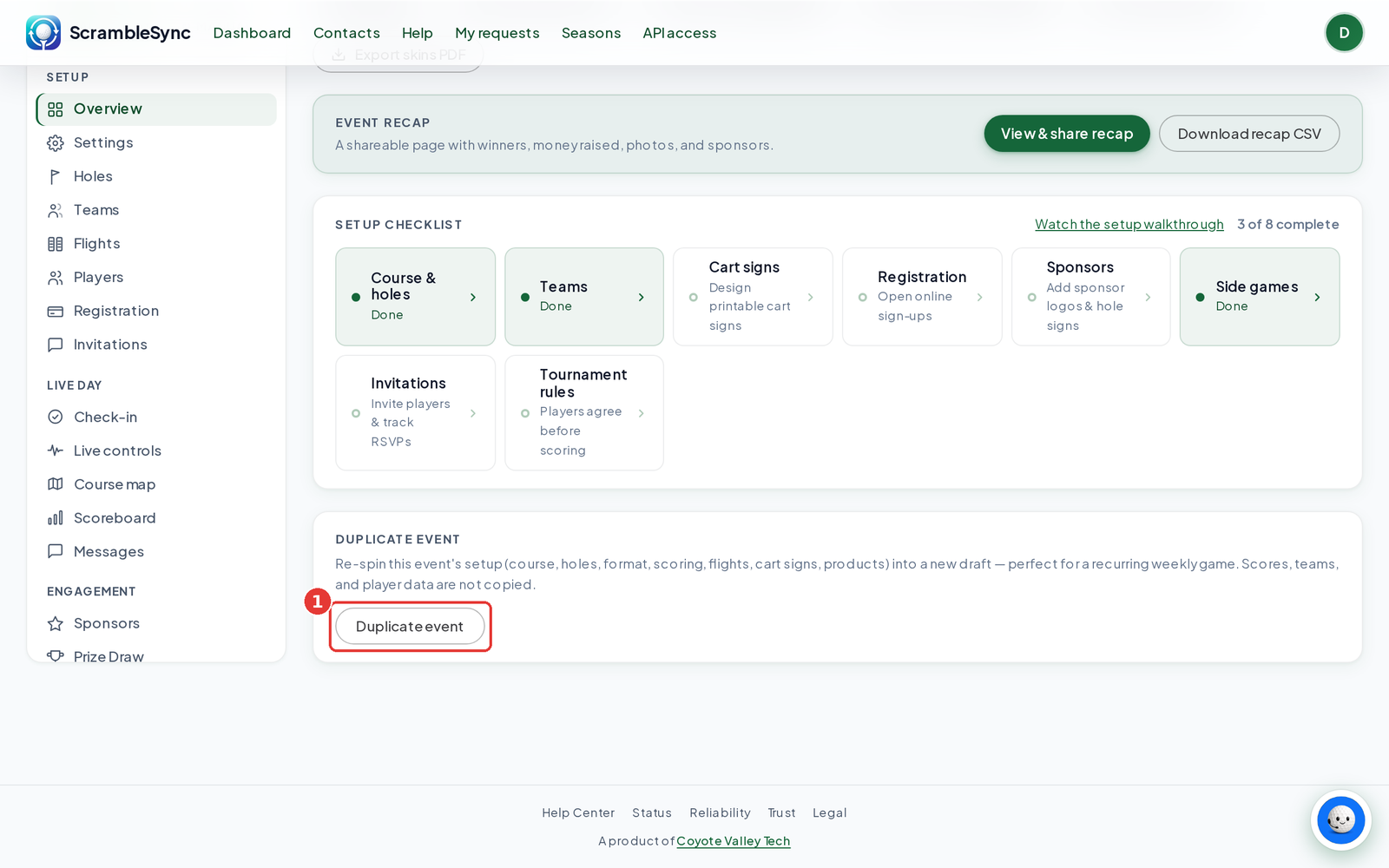
Open the event you want to copy, scroll to Duplicate event on the Overview tab, and click Duplicate event. A new draft opens in the guided setup with the same course, holes, format, scoring, flights, cart signs and products. Scores, teams and player data are not copied.
On this page
Overview
Duplicating is the fastest way to set up a recurring weekly game or next year's tournament. You keep all of your setup and start fresh with teams and scores.
Who this is for
Organizers running the same event again. You can also click Duplicate on an event card on your dashboard.
Duplicate an event
Open the event
From your dashboard, click the event you want to copy.
Scroll to Duplicate event on Overview
It's the last card on the Overview tab.
Click Duplicate event
A new draft is created and the guided setup opens so you can add teams and sponsors.
Rename and re-date
Open Settings on the new event to change its name and date.
| Copied | Not copied |
|---|---|
| Course, holes, tee and contests | Teams and join codes |
| Format and scoring settings | Players and registrations |
| Flights | Scores and signed cards |
| Cart sign design | Photos, messages and donations |
| Registration products |
Tips
- Duplicate before you archive last year's event, so it's easy to find.
Troubleshooting
| If you see this | Try this |
|---|---|
| The new event has no teams | That's expected. Generate teams or import your roster in the guided setup. |
Frequently asked questions
Does duplicating use up an event on my plan?
The copy is a new event, so it counts like any other event on your plan.