
Run a prize draw for checked-in golfers
Quick answer
Open your event and click Prize Draw. Click Enable prize draw, then draw winners from everyone who is checked in. Golfers must be checked in to be in the pool. Use Reset winners to start over, and Disable draw to hide it again.
On this page
Overview
The prize draw picks random winners from the golfers you checked in on event day. It's perfect for door prizes, sponsor giveaways, and a fun moment at the awards. Each winner is saved in a list on the page.
Who this is for
Organizers and staff running the awards. It's separate from paid raffles, which sell tickets.
Turn on the prize draw
Open Prize Draw
Click Prize Draw in the sidebar, under Engagement.
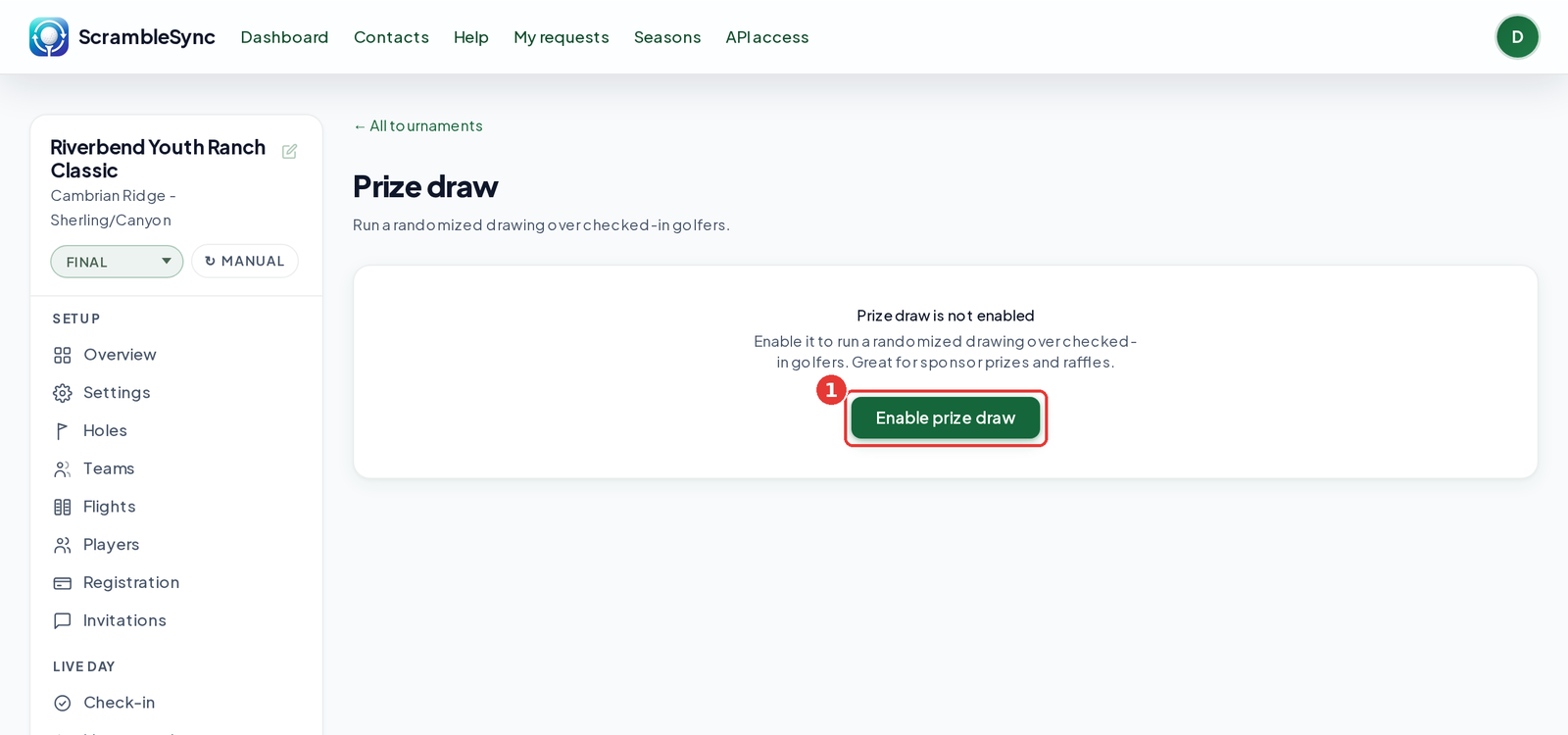
Click Enable prize draw
The page now shows how many checked-in golfers are eligible.
Draw winners
Check golfers in first
Only checked-in golfers are in the pool. Use the Check-in tab to check in teams or single players.
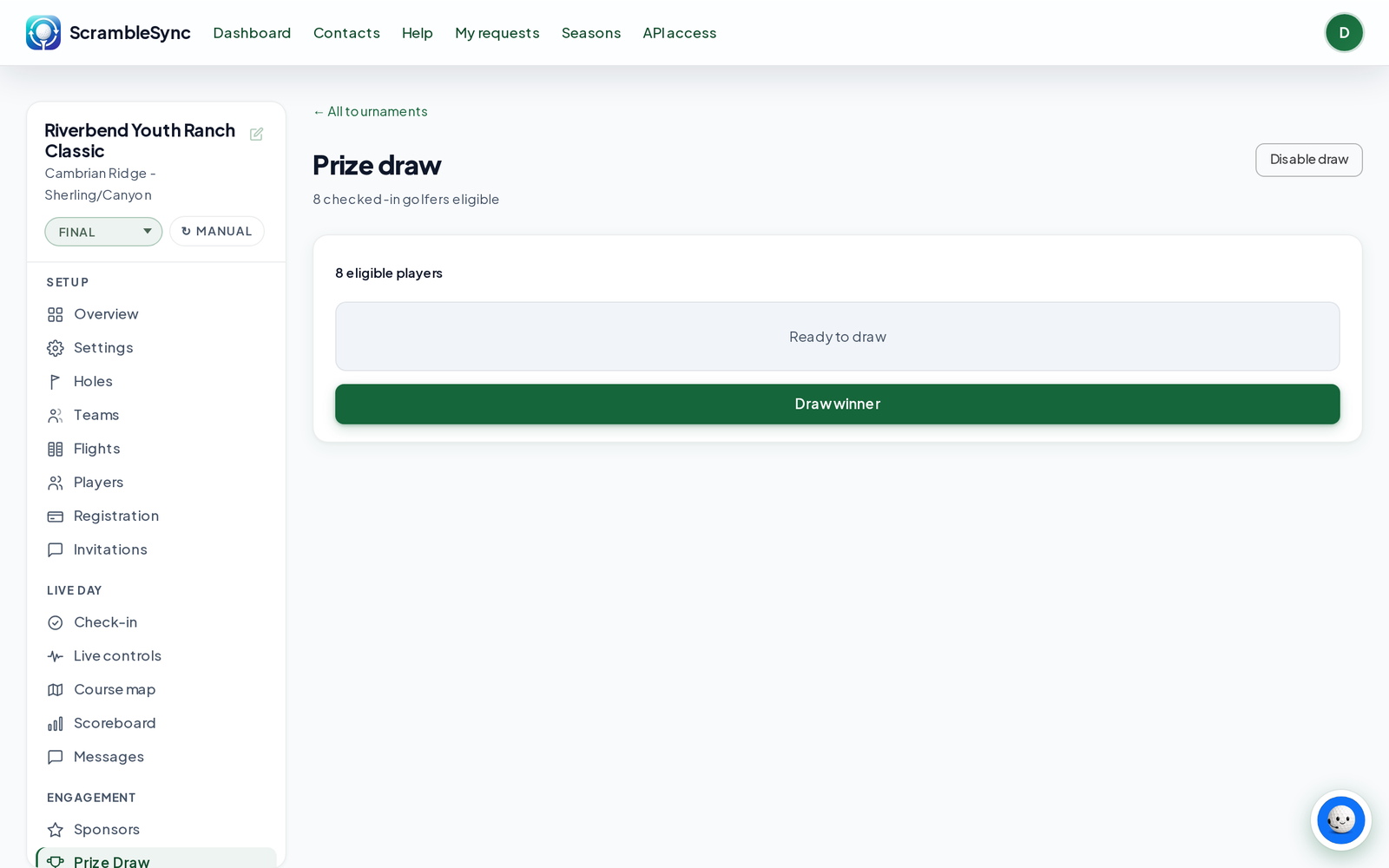
Click Draw winner
The winner's name appears and is added to the Winners drawn list.
Click Draw again for the next prize
Each draw is random. Keep going until every prize has a winner.
Exclude sponsors if you need to
If sponsors are on your player list, turn on Exclude sponsors so only golfers can win. The eligible count updates.
Tips
- Finish check-in before the awards so nobody is left out of the pool.
- Read each winner out and hand the prize over before drawing the next one.
- Use Reset winners if you were just testing before the real draw.
Troubleshooting
| If you see this | Try this |
|---|---|
| 'No checked-in golfers yet' | Check golfers in on the Check-in tab, then come back. |
| Someone is missing from the pool | They aren't checked in, they already won, or they're marked as not golfing. Check them in on the Check-in tab. |
| 'No eligible players left' | Everyone in the pool has already won. Click Reset winners to start over. |
| I don't see Prize Draw in the sidebar | Your organization may not have this feature. Email [email protected]. |
Frequently asked questions
Is this the same as a raffle?
No. The prize draw is free and picks from checked-in golfers. Raffles sell tickets as add-ons, and each ticket is one entry. See Raffles.
Can someone win twice?
No. Once a golfer wins, they're left out of later draws. Click Reset winners to clear the list and put everyone back in the pool.
Can I turn it off again?
Yes. Click Disable draw.